API setup
Alpaca and Kraken API keys: connecting your accounts
Connect Alpaca for US stocks and ETFs and Kraken for crypto. Issue both keys without withdrawal permission. Keys stay on your computer and we cannot see them. The last step is always the same: paste them into Demeter under Settings › Trading channels · API keys.
Alpaca and Kraken are wired in but not yet verified with a real order.
-
01alpaca.markets › Sign up
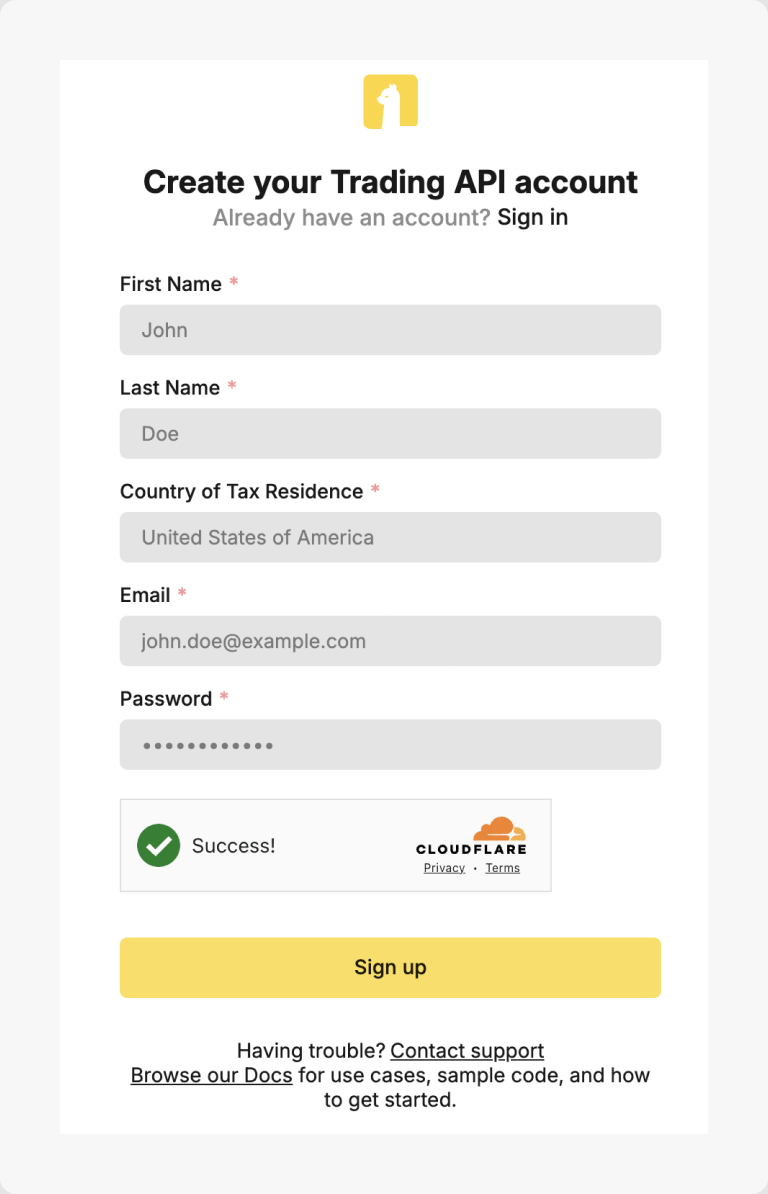
Source: Alpaca Learn (alpaca.markets/learn) Open an Alpaca account
Create an account at alpaca.markets. A paper (simulated) account is ready immediately; a live brokerage account needs identity verification and funding. Alpaca charges no commission on US-listed stocks and ETFs.
-
02Dashboard › Paper / Live switch
Pick the environment
The dashboard has separate Paper and Live environments, each with its own keys. Start with Paper (Demeter's paper mode runs against Alpaca's paper endpoint) and switch to Live once you have watched it for a while.
-
03Dashboard › API Keys › Generate New Key
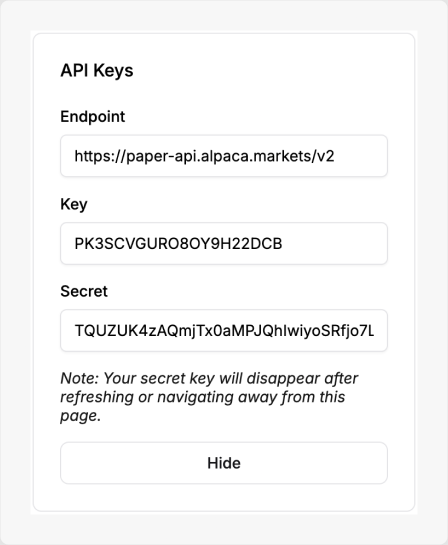
Source: Alpaca Learn (alpaca.markets/learn) Generate the keys
In the dashboard's API Keys box press Generate New Key. You get an API Key ID and a Secret Key; the secret is shown only once, so copy both now. Regenerating invalidates the old pair.
-
04Live account › Funding
Fund the live account
For live trading, deposit USD by bank transfer in the dashboard. Demeter keeps its cash floor and never withdraws. Alpaca trading keys cannot move money out of the account.
-
05Demeter › Settings › Trading channels · API keys
Paste into Demeter
Settings › Trading channels · API keys › Alpaca: paste the Key ID and Secret, choose Paper or Live to match the keys, set the stock broker to Alpaca and save.
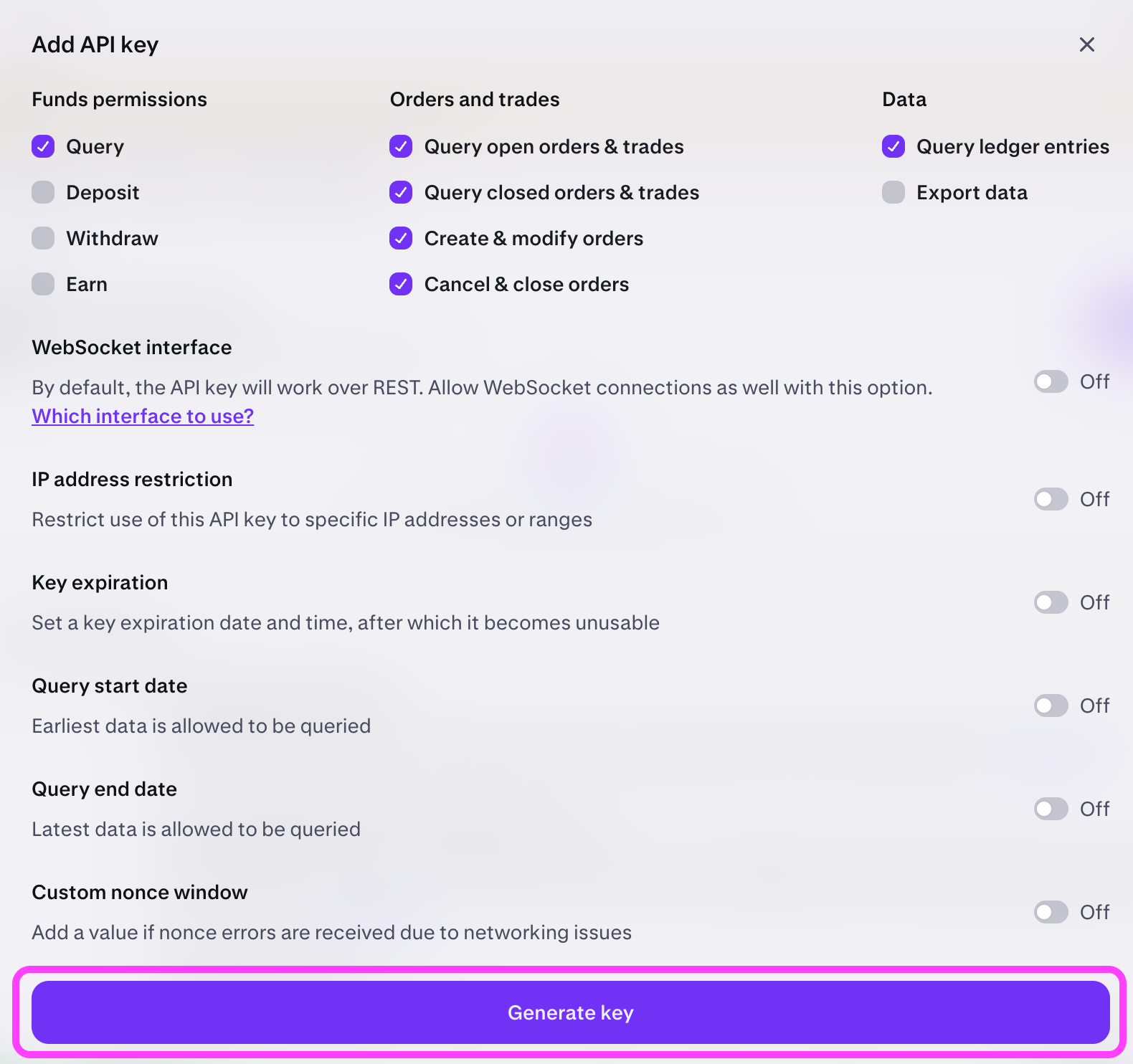
Each guide on its own page: Alpaca API key setup · Kraken API key setup.
Menu names may shift slightly as each service updates. If a step does not match, tell us on the contact page.